


Item added to your cart
SKU: KAL-03815
Out of stock
30 days returns policy & Free delivery
Dispatched the same day.
SKU: KAL-03815


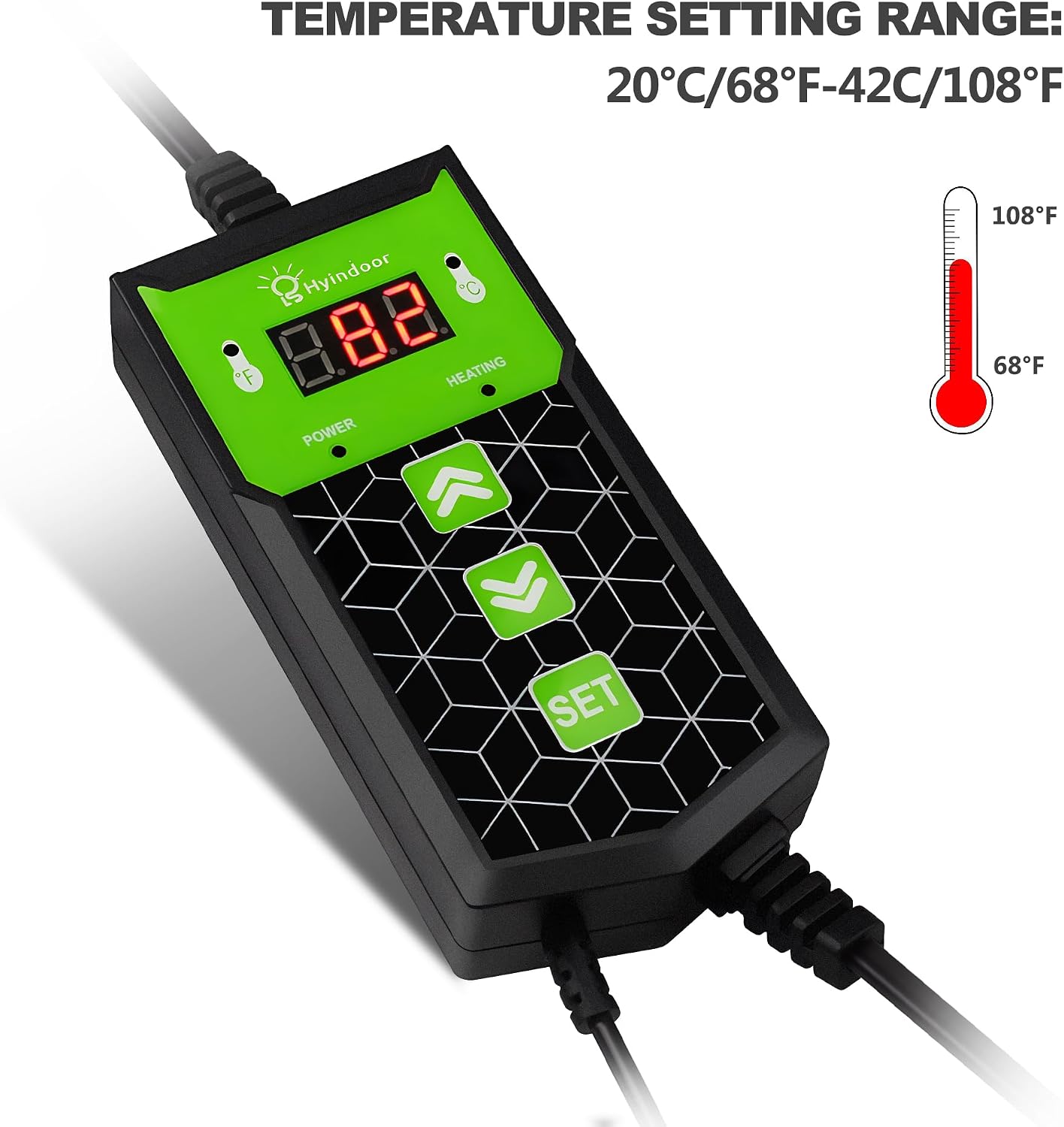


Controller Set Process 1. Press the SET button to display the current pre-set temperature.The thermostat's LED screen shows the current temperature whenever the SET button is not activated. 2. Press and hold the SET button until the LED starts to blink,then you are able to adjust the temperature up or down by pushing the (UP) or (DOWN) arrows. The thermostat's LED screen shows the numbers as you cycle through them. Press the SET button again to set the chosen temperature. The HEATING light cycles on when the mat is in the process of heating. When the LED is not lit, the mat is not providing heat. The light turns off automatically when the mat reaches the pre-set temperature. 3. Press and hold the (DOWN)arrow button for three seconds to display the temperature in Celsius. Press and hold the (UP)arrow button to display the temperature in Fahrenheit.


